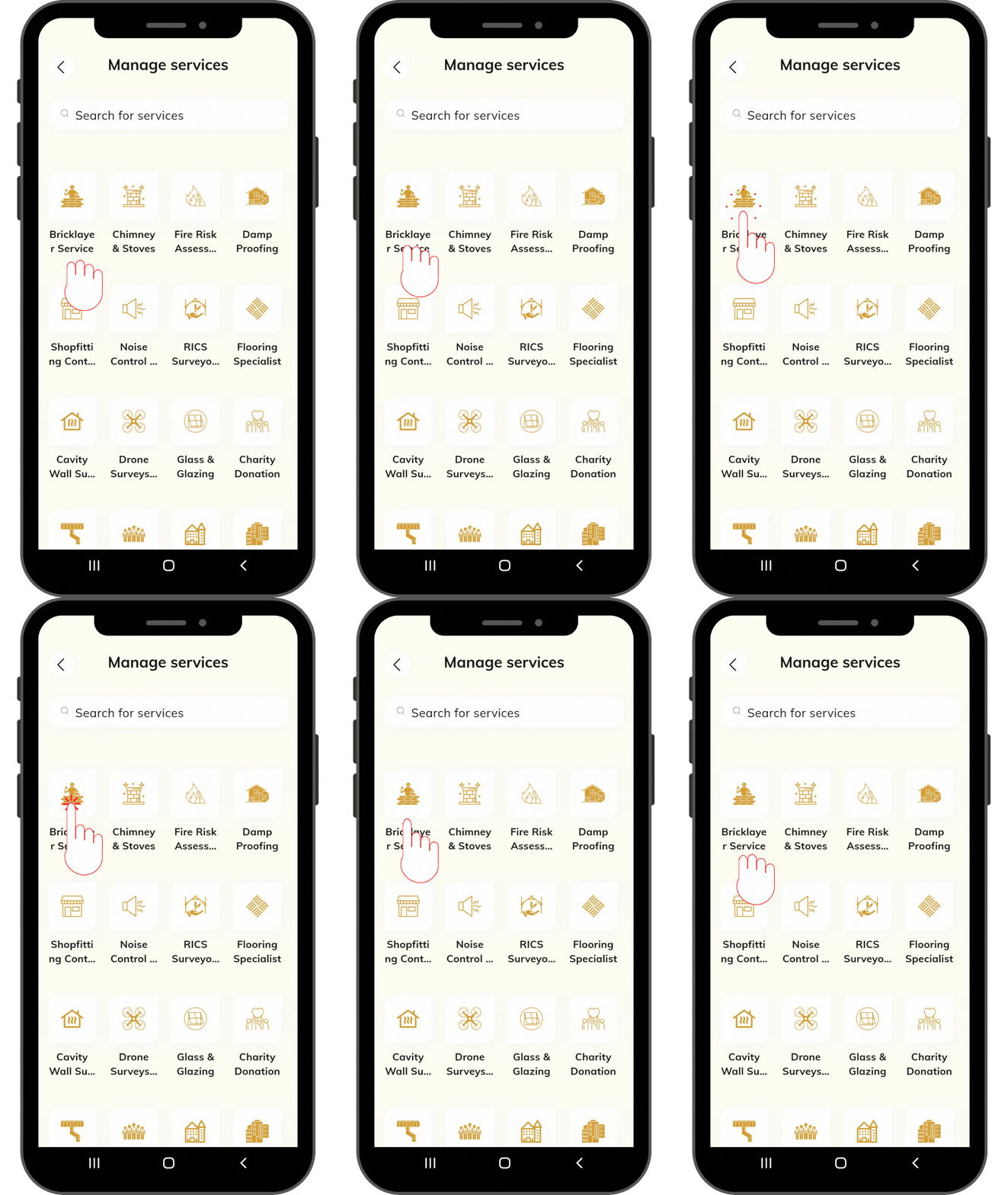
¶ Step 1 - Choose a Service Category
Select the service categories you want to offer. This determines the types of jobs customers can request from you.
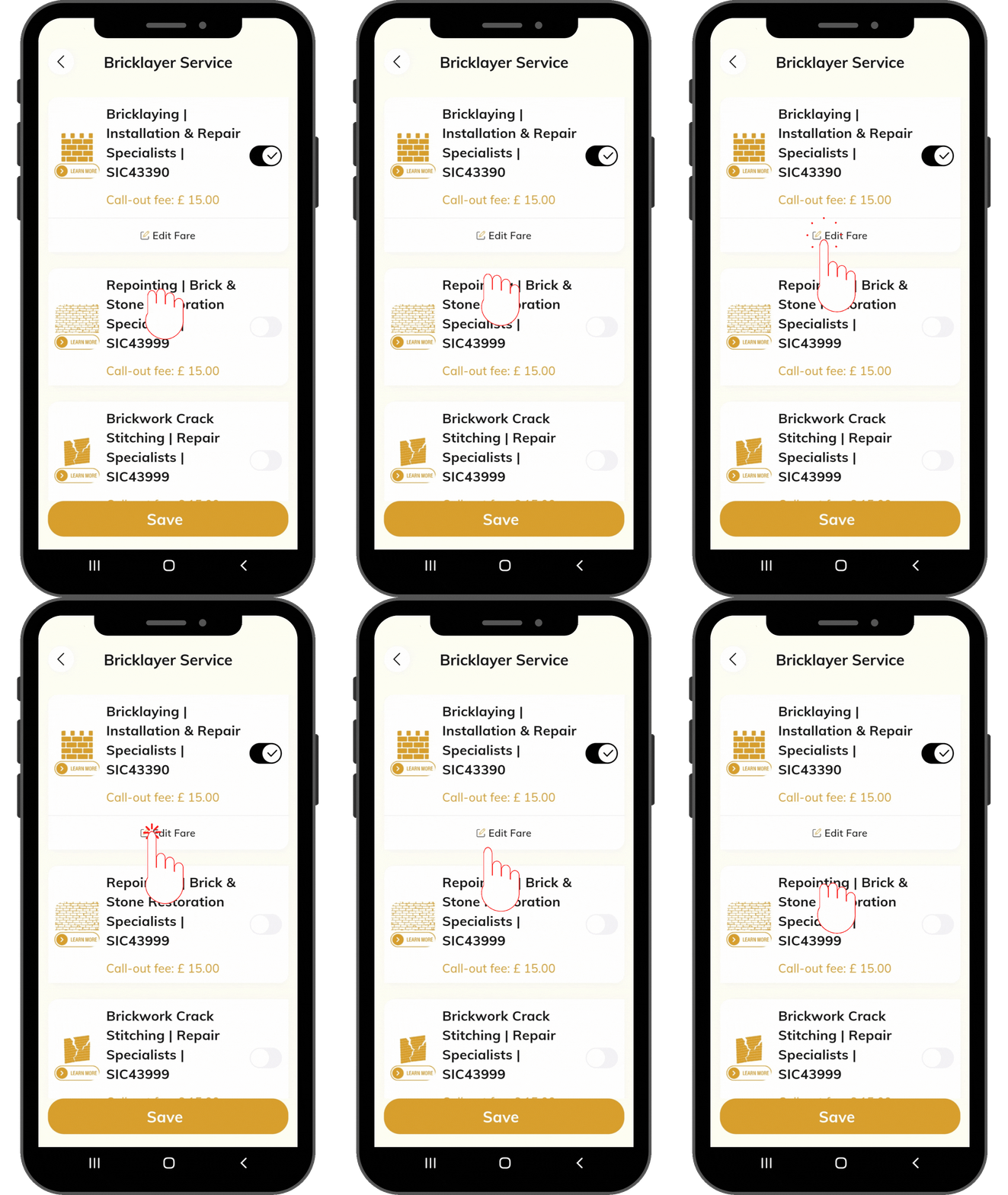
¶ Step 2 - Enable a Service
Activate the selected service using the toggle switch. Only enabled services are visible to customers.

¶ Step 3 - Edit Service Pricing
Open the service settings to review and adjust pricing details.
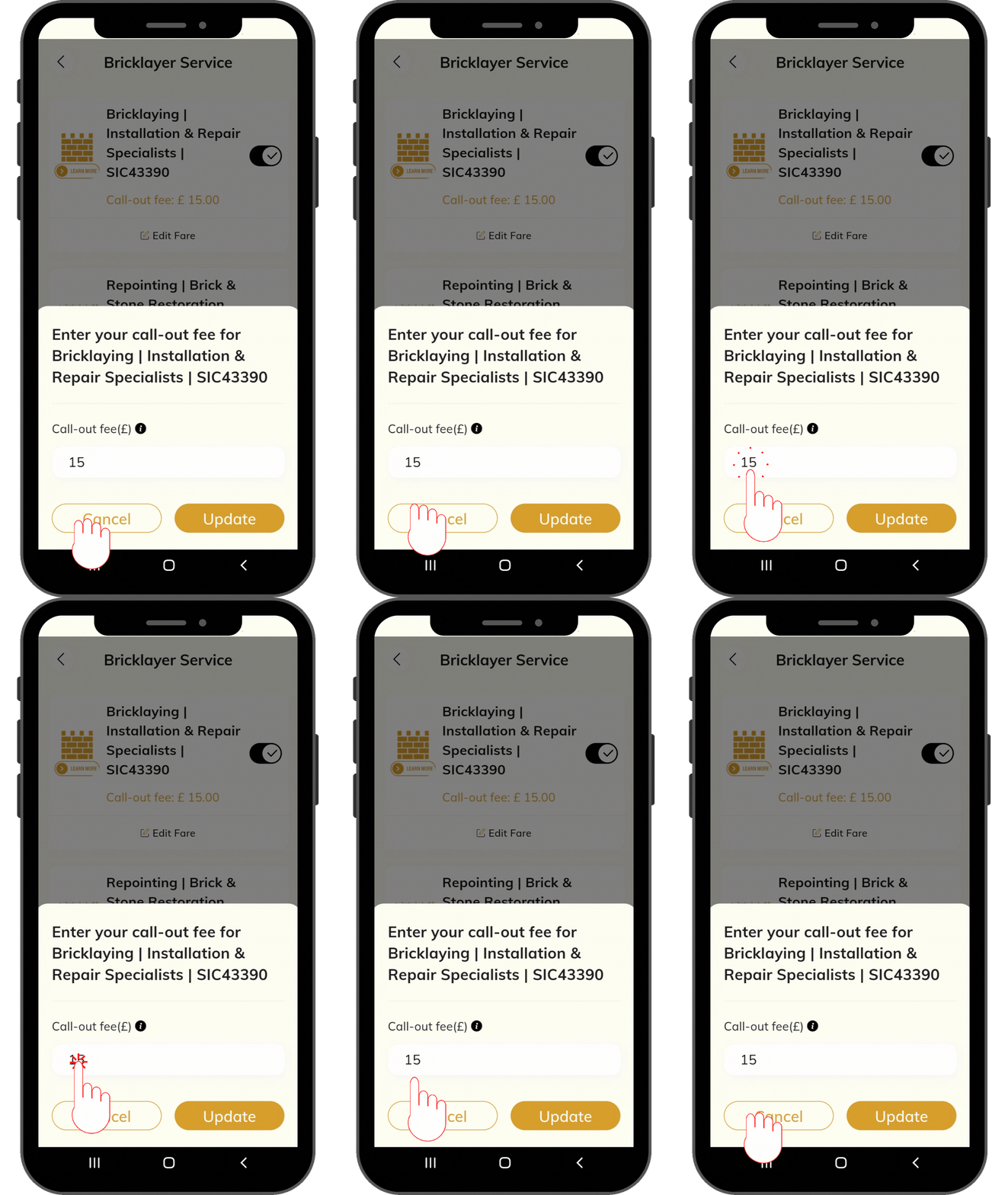
¶ Step 4 - Add or Update Service Fare
Enter or update your service fare to reflect your current rates.
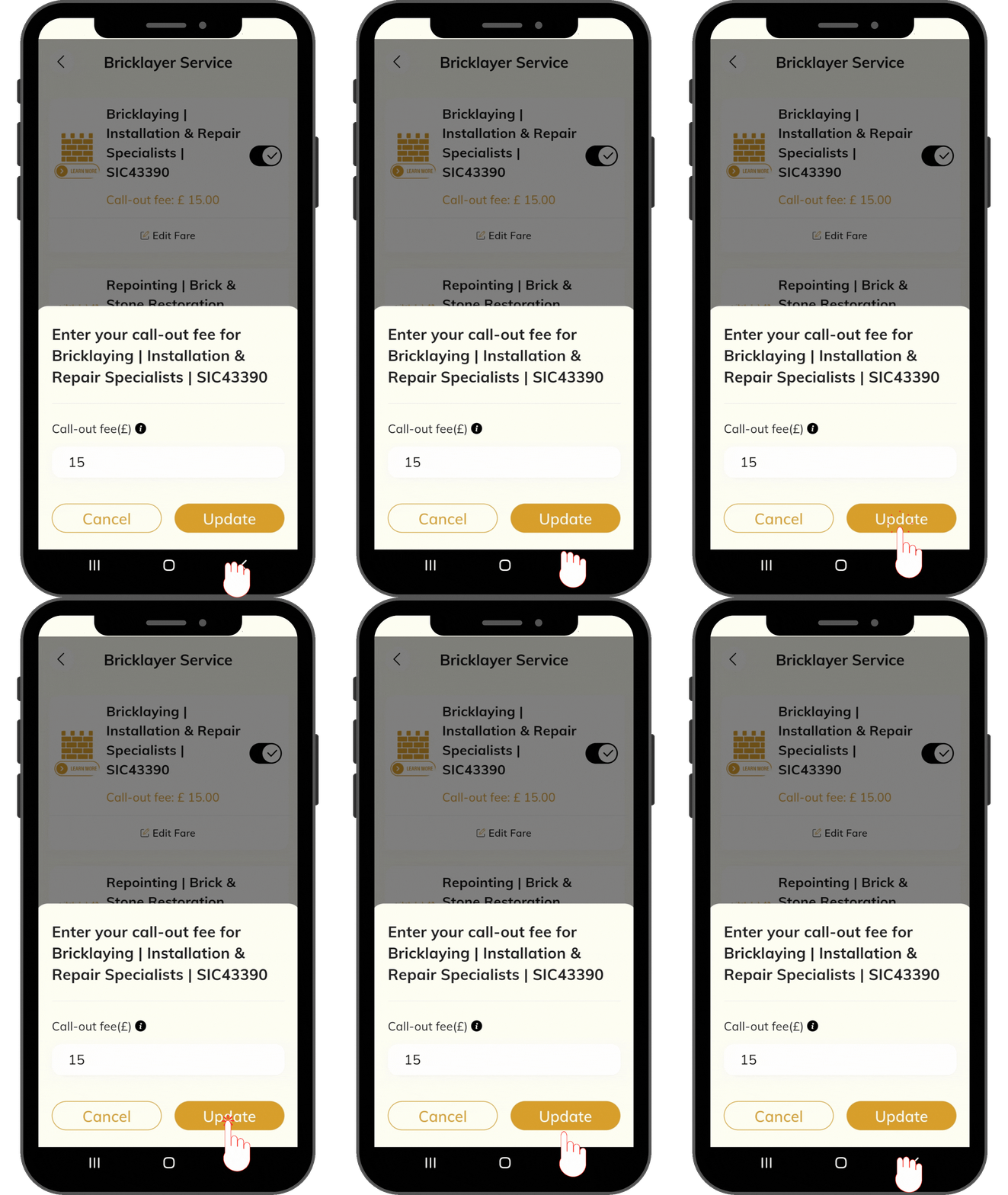
¶ Step 5 - Review Service Details
Review the service information, including pricing and status, before saving.
¶ Step 6 - Save Service Settings
Save your changes to apply the updated service configuration.

¶ Step 7 - Return to Manage Services
Return to the Manage Services screen to confirm updates or configure additional services.

¶ ▶ Continue
Go Live
Going live makes your services visible to customers and enables real-time job notifications.