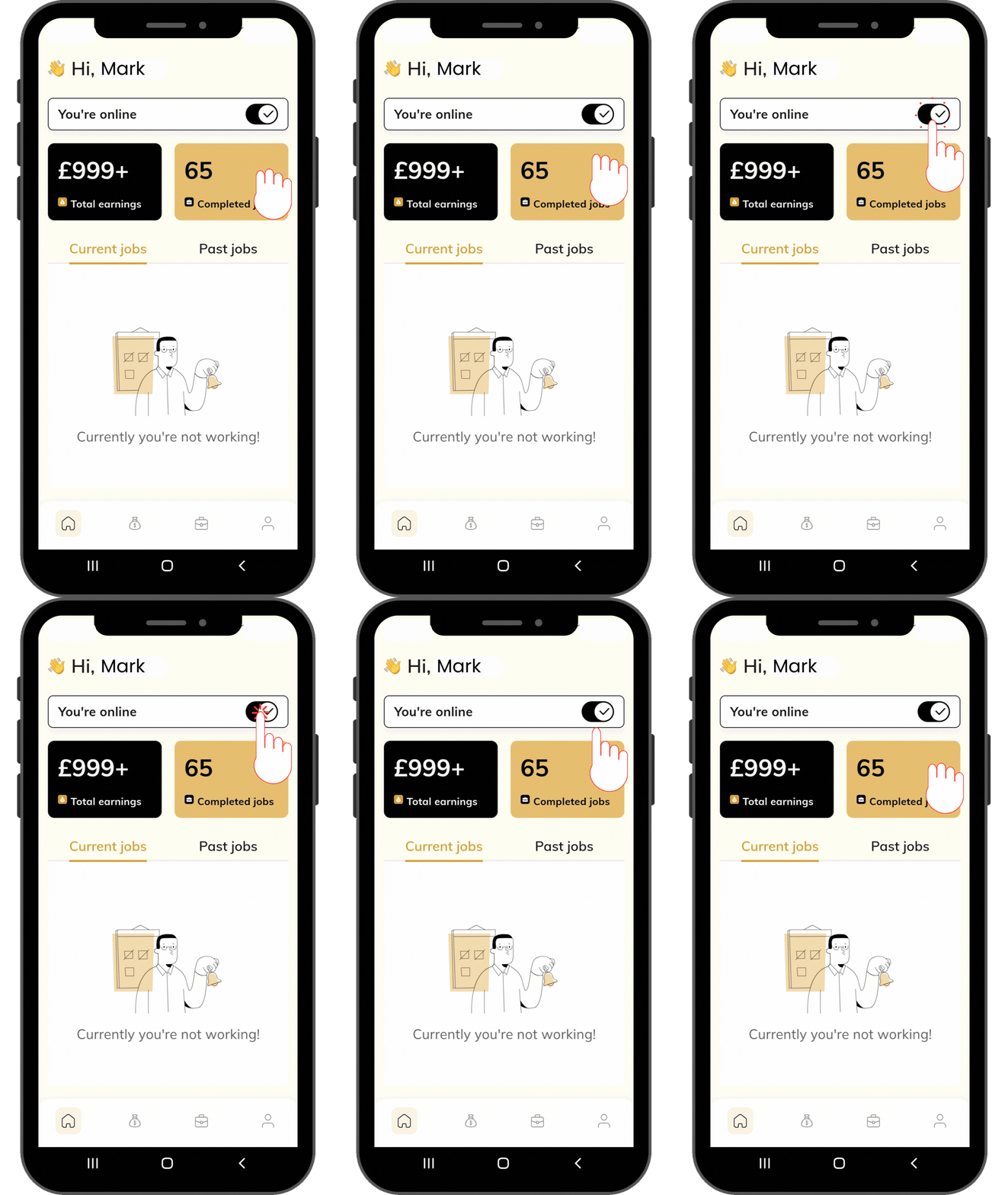
Tap the Online toggle to begin accepting jobs. Going live makes your services visible to customers and enables real-time job notifications.
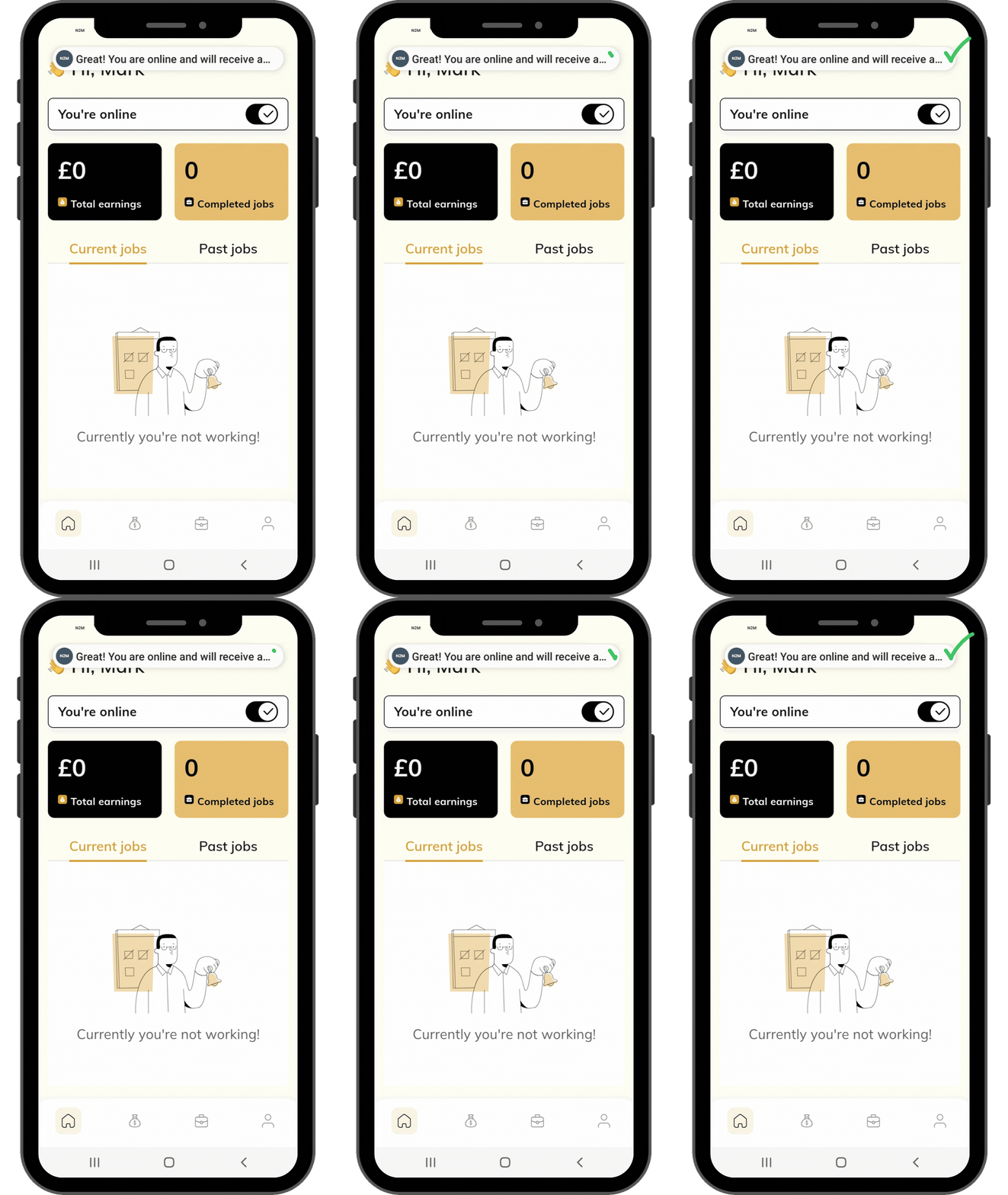
You will receive a confirmation notification once you are online.
Once you have completed your jobs and do not wish to receive new service requests, switch your status to Offline. This will temporarily pause incoming job requests until you go live again.
¶ Troubleshooting: App Not Going Live
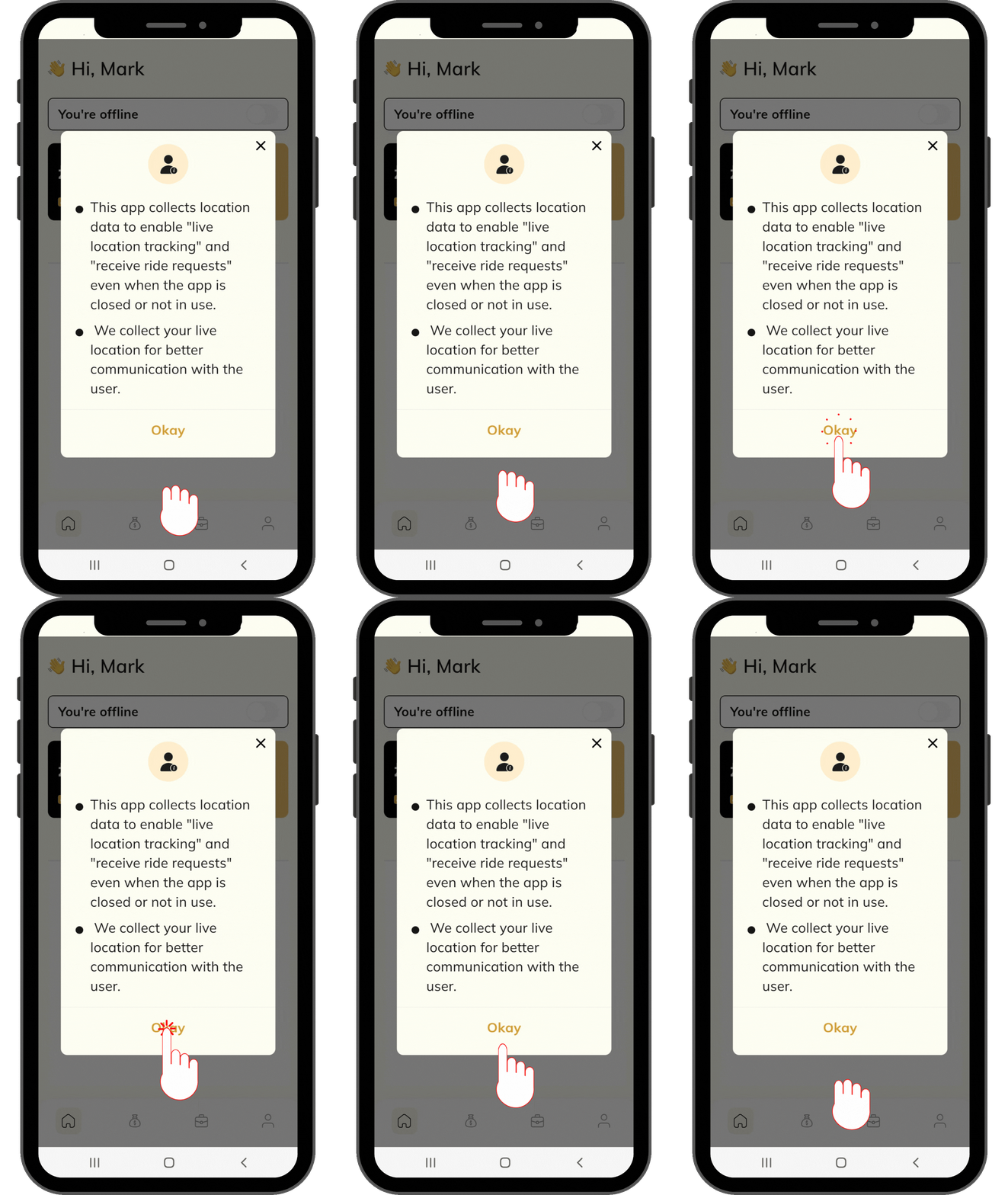
If you are unable to go live, verify that location services are enabled and permitted for the NEXT2ME Team app.
Location access is required while the app is active to ensure service availability and receive customer job requests.
¶ ▶ Continue
Enable Location – Android
Follow the step-by-step guide to enable location services and grant the required permissions on your Android device.
Enable Location – iOS
Follow the step-by-step guide to enable location services and grant the required permissions on your iPhone.